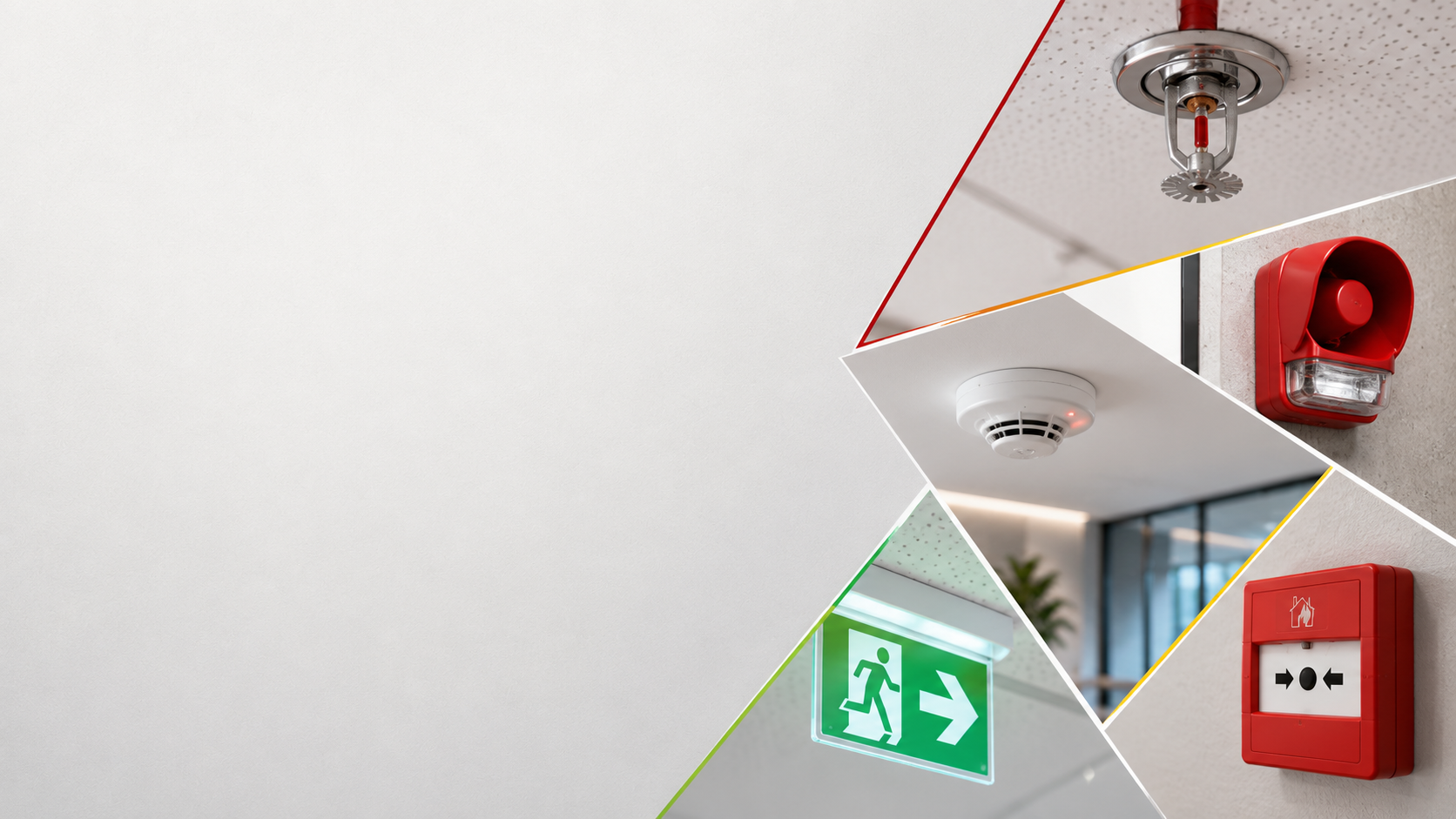
Connect Safety Systems. Coordinate Every Response.
Sky-Walker connects data and events from fire detection, suppression, smoke detection, emergency warning and other life-safety systems within one common operational interface, helping operators assess incidents, access relevant information and coordinate responses more effectively.
Fire and life-safety events can originate across separate panels and specialist systems. Without a common operational view, operators may have limited context around the alarm, affected location and required escalation.
When Fire and Life-Safety Systems Remain Disconnected
Alarm information may remain confined to individual panels, limiting visibility of the wider site impact.
Limited Incident Context
Operators may need to consult multiple interfaces, floor plans and site procedures to confirm the situation.
Manual Event Verification
Coordinating notifications and emergency procedures can depend on manual actions and site-specific knowledge.
Complex Escalation
From Fire Alarm to Coordinated Response
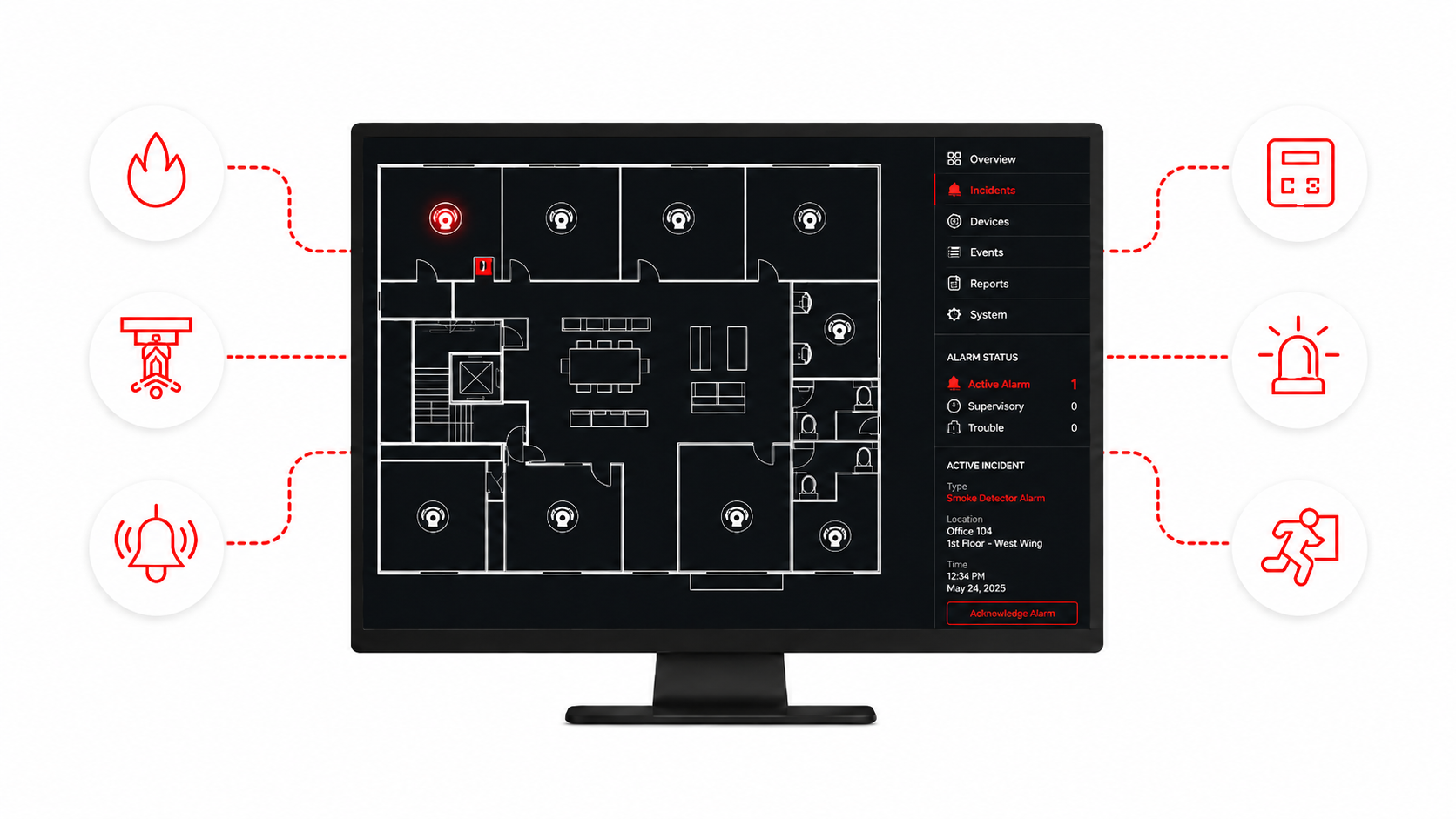
Sky-Walker brings alarms, events and status information from connected fire and life-safety systems into one operational environment, helping operators understand incidents and coordinate the appropriate response.
Connect Fire Panels Across Manufacturers
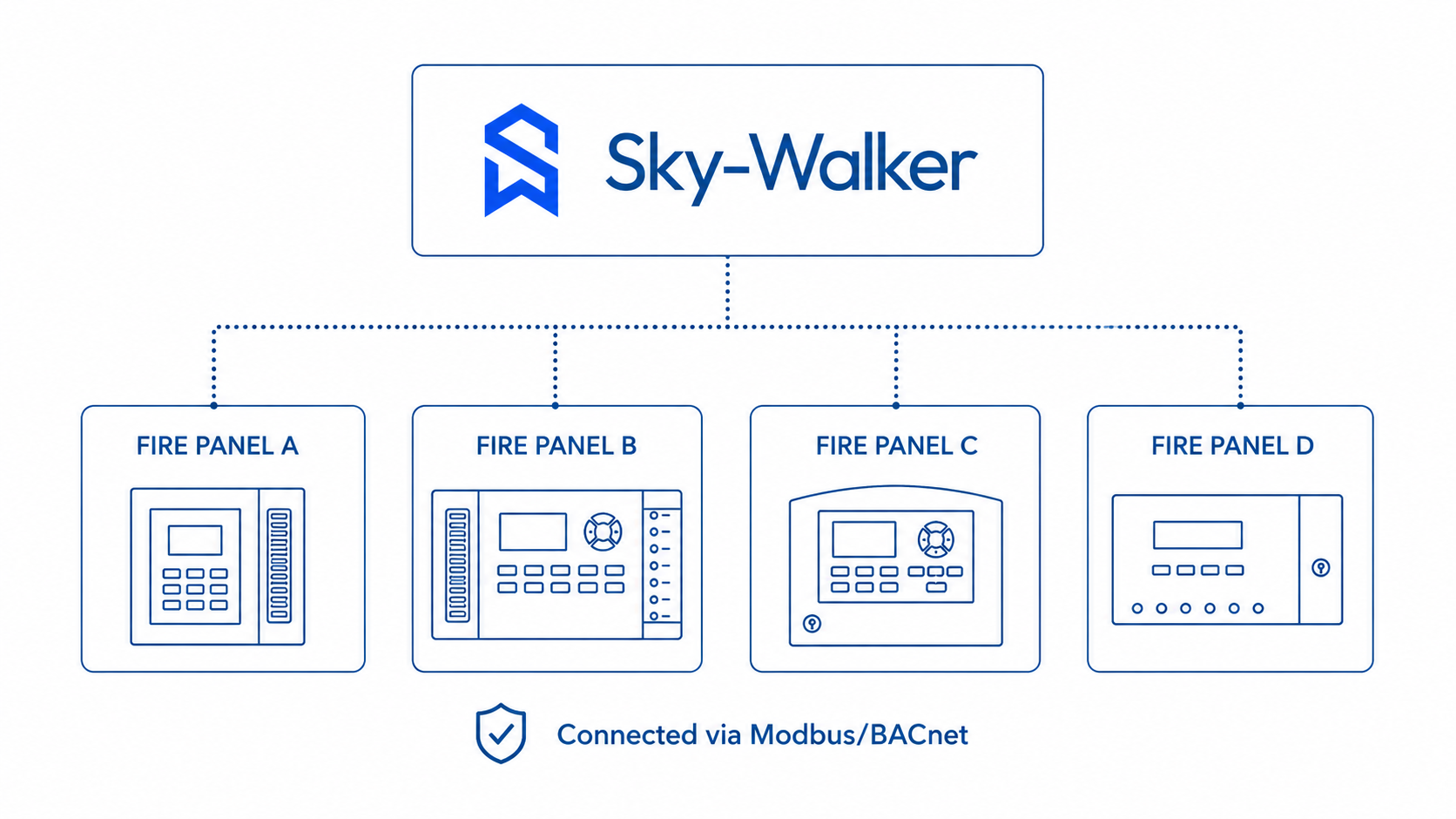
Bring alarms, faults, isolations and system status from fire panels supplied by different manufacturers into one common operational interface.
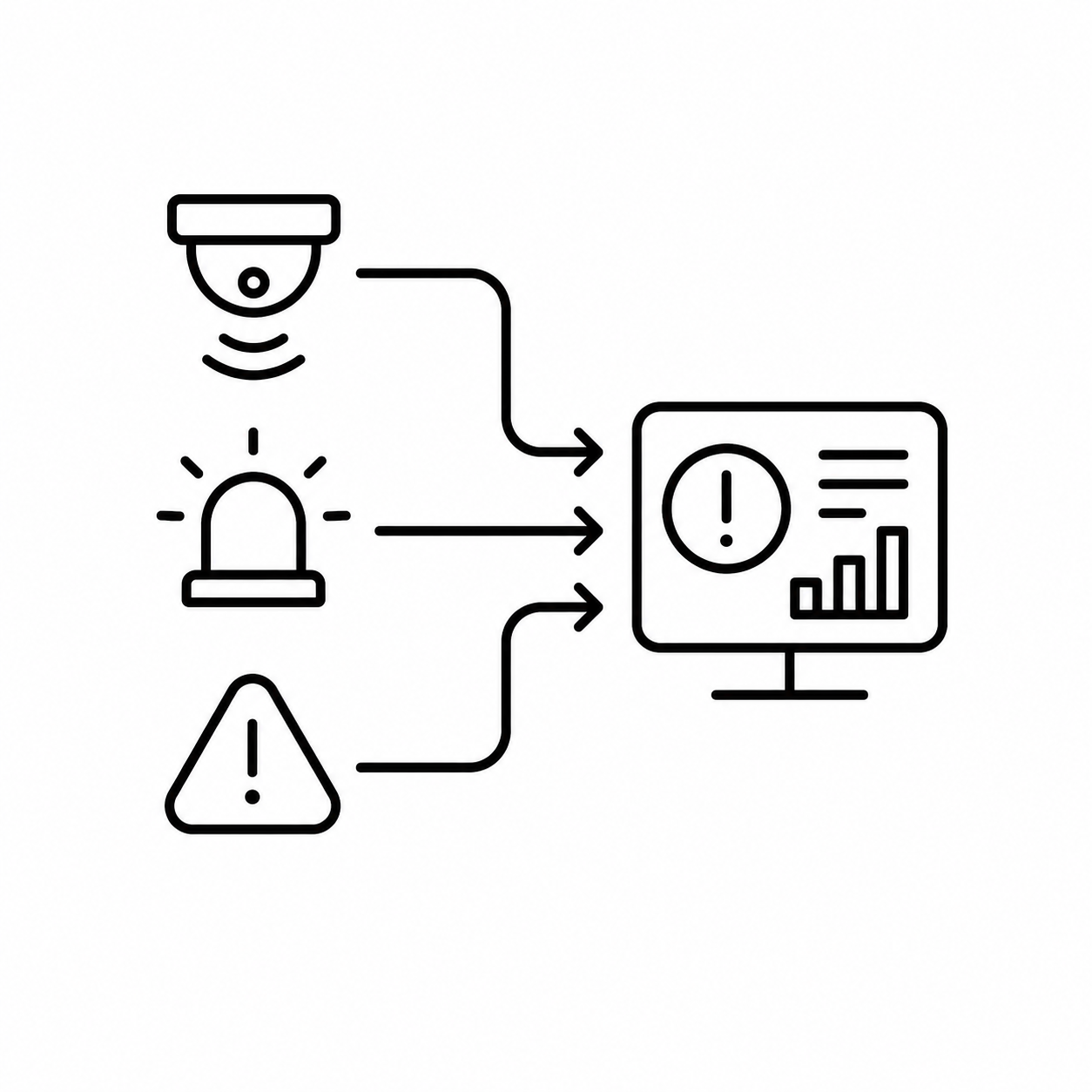
Detect & Consolidate
Connect fire detection panels, aspirating smoke detection, linear heat, suppression and other specialist safety systems.
Understand the Incident
Present alarm location, device information, system status and site context together.
Coordinate the Response
Guide notifications, escalation and emergency procedures through consistent operator workflows.
Strengthen Your Safety Response
Discuss how Integratek can connect your fire and life-safety systems to improve visibility, coordination and incident response.